
This post contains affiliate links which means I may be paid for products you purchase through my links. See my full disclosure for more.
February’s New Testament Textables are here! It’s been so fun to hear how you are using them and how they help you in your Come, Follow Me lessons and studies. Keep sharing with us how you use them in the comments below or by using #teachlikeachicken when you are share online. Thanks again to Colette from My Computer Is My Canvas for designing these! Be sure to tell her Thank You by following her on Instagram.
Save it for later, pin it now!
Some ways you can use the textables this month:
Text one to your grandchild to ask them how they are doing in their personal studies. Share something you have learned and start a conversation together!
As a reminder about which lesson you will be discussing on Sunday. With Sunday School only every other week it can get confusing especially since you can pick whether to cover one lesson or two. Let your class know your plans so they can come prepared!
Share a textable instead of a nagging text to help remind your teen or spouse that they are in charge of the lesson soon.
- Send the textable scripture each week to everyone in your family to help them memorize it. It goes perfectly with the Family Bulletin Board Kit each week. Cover up words on the bulleting board poster throughout the week and see how they are doing.
Include one in your weekly email to your missionary so you can discuss these lesson together.
Send one to your ministering family so you can share thoughts with each other at your next visit.
Get Your February Textables
Please note: The file you download will be a compressed file. This means you will have to unzip first or you will get an error message.
HOW TO UNZIP A FILE
On Your Desktop
Techwalla has a great tutorial whether you use Windows or a Mac about how to unzip a file. You can then email the images to yourself to use on your mobile devices as well or add them to your Google Drive or other cloud network.
On Your Mobile Device
You may need to download an app in order to unzip the file (or even download a zip file). WinZip is an app that works on both iPhones and Android. Once I had WinZip downloaded on my phone, all I had to do was click on the zip file to open it. Next click on the three dots or menu bar at the top to “Select All” then click on the menu bar again and click “Extract to.” You can then choose which file to move them to and add them to your email or text from there.
For those with iPhones, this is what worked for one reader: Download WinZip. Then hold your finger on the download link. Choose, “Open in Notes.” Go to Notes and it will prompt you to “Open with WinZip.” It will unzip and give you each textable. Hold your finger on each file one at a time. When it opens, push the “forward” icon at the top of the page and choose, “save image” from that screen. They will go into your photos folder and you can easily text those by attaching a photo to your text.
You can also upload the zip file to your Google Drive from your phone and it will unzip it for you when you go to open it (at least it does on Android phones). You may still need to extract them before using them though.
If you still have problems, try asking your family or neighbors for help as all computers and phones are different; it’s hard for me to give you individual advise.
I highly recommend the computer method instead as it’s much easier and faster.
Love these New Testament Textables? Pin this post so others can find them too!
Get Your Family Bulletin Board Kit for February
Be sure to grab your February Bulletin Board kit as well from My Computer is My Canvas. It makes it easy to stay organized, share what's important to you as you study, and remember what still needs to be done.
You can also save time and pre-order your bulletin board kits for the whole year.
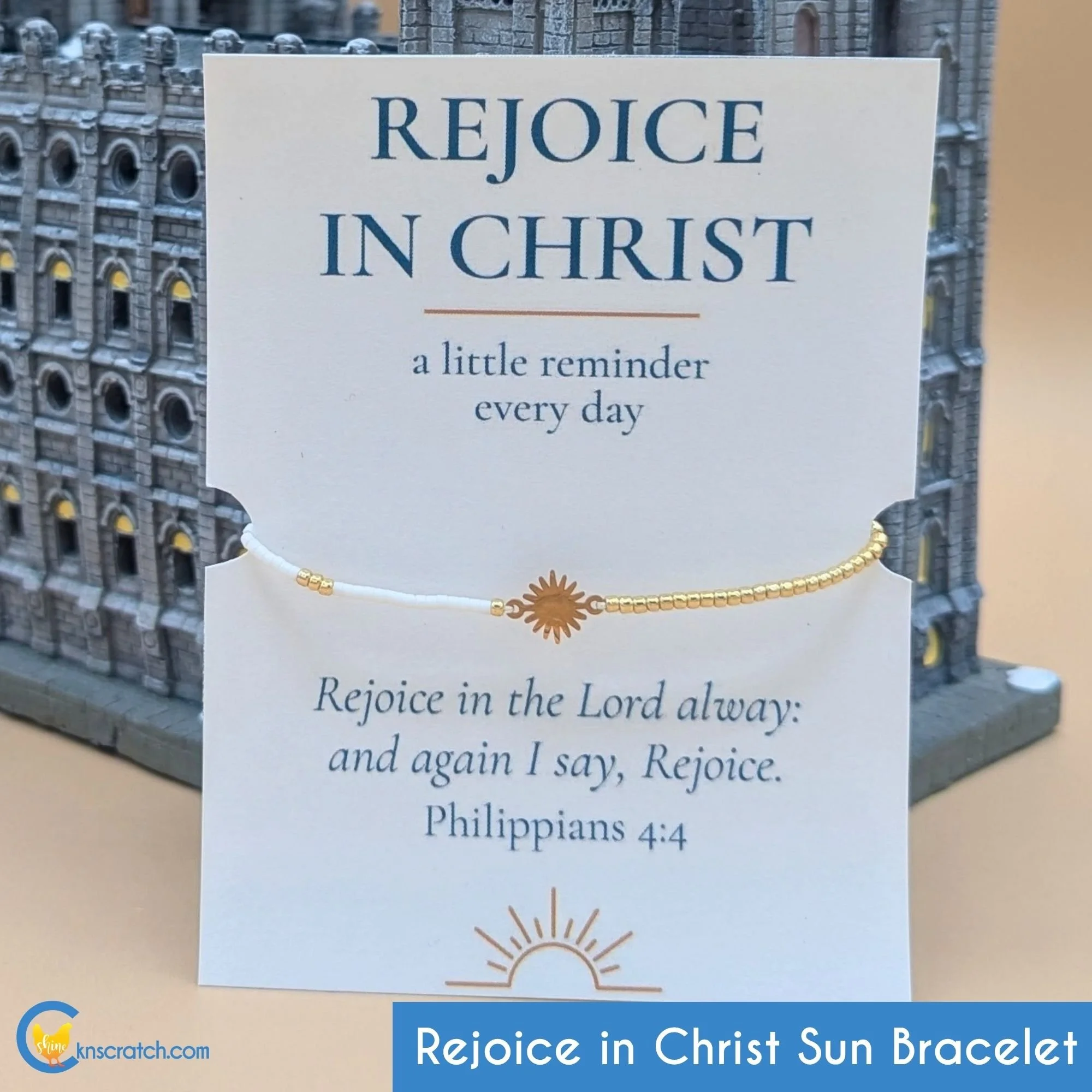
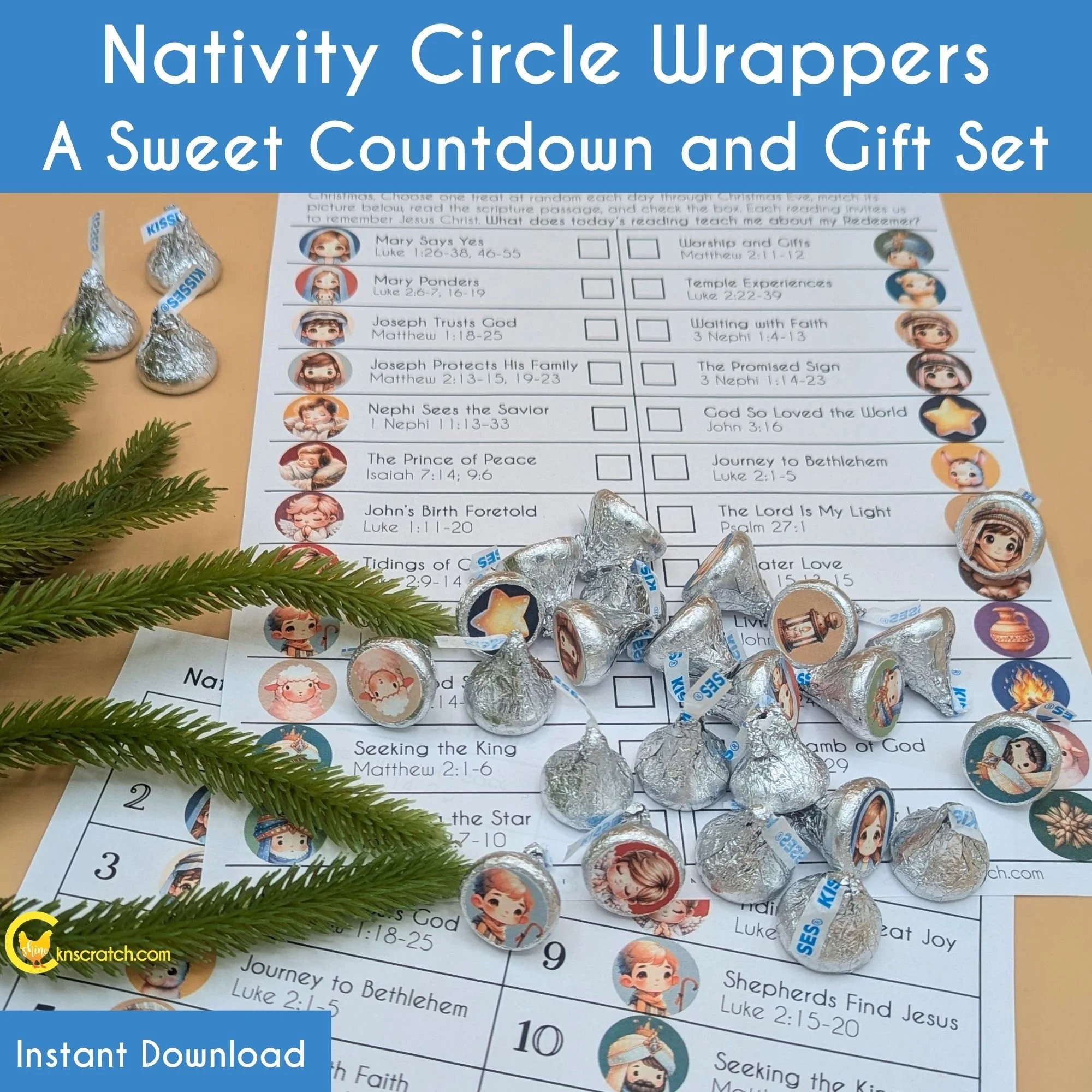


This beautiful vinyl sticker is a simple reminder to recognize the goodness of Jesus Christ in our lives and share that joy with others.
The stained-glass inspired design features the Salt Lake Temple surrounded by mountains, flowers, and light with the words Rejoice in Christ front and center. It’s a meaningful way to celebrate the Salt Lake Temple, share your love of Christ, and connect with the 2027 Youth Theme.
Stick it on a water bottle, laptop, notebook, scripture case, or anywhere that could use a little more joy. It also makes an easy, meaningful gift for ministering, youth conferences, family reunions, stocking stuffers, church activities, temple trips, friends, and family.
Each sticker comes with a coordinating message card that reads:
Every good thing begins with Christ.
May this sticker remind you to recognize His goodness in your life and share that joy with others.
Made from durable, weatherproof vinyl, this round sticker measures approximately 3 inches across and comes ready for gifting.
Free shipping.
See the rest of our Rejoice Collection.